Think on the page.
Handwrite, sketch, or type. Bring pen, pencil, highlighter, and rich text together in notebooks that grow with your ideas.
 treblenote
A new writing space for Windows
The thought in the margin.
The sketch that makes it click.
The book you’re still thinking about.
Give them a place in Treblenote.
Take a look insideA place for your thoughts
Notebooks for your ideas. Room to write on the page. A place for the thoughts that come from reading.
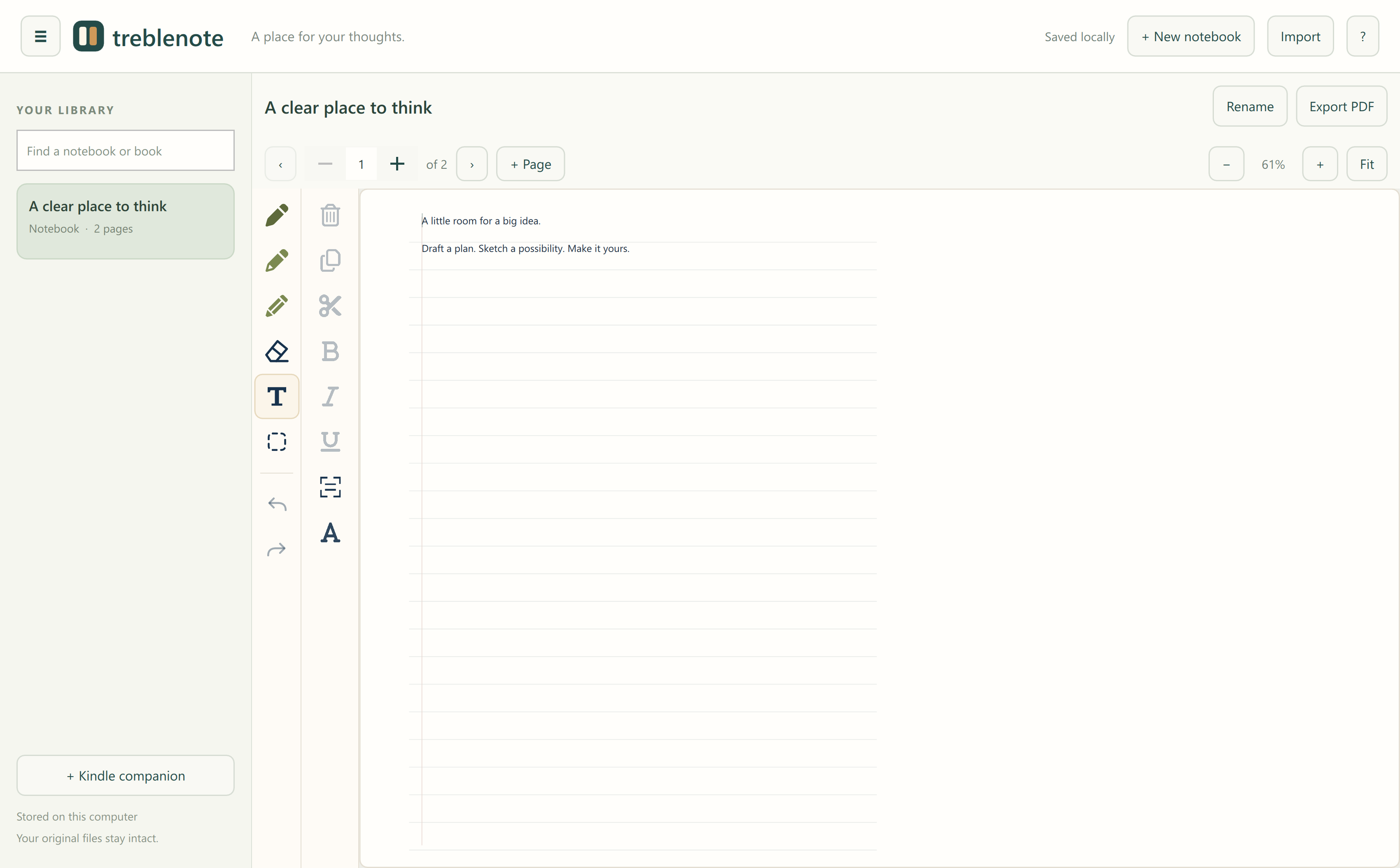
Handwrite, sketch, or type. Bring pen, pencil, highlighter, and rich text together in notebooks that grow with your ideas.
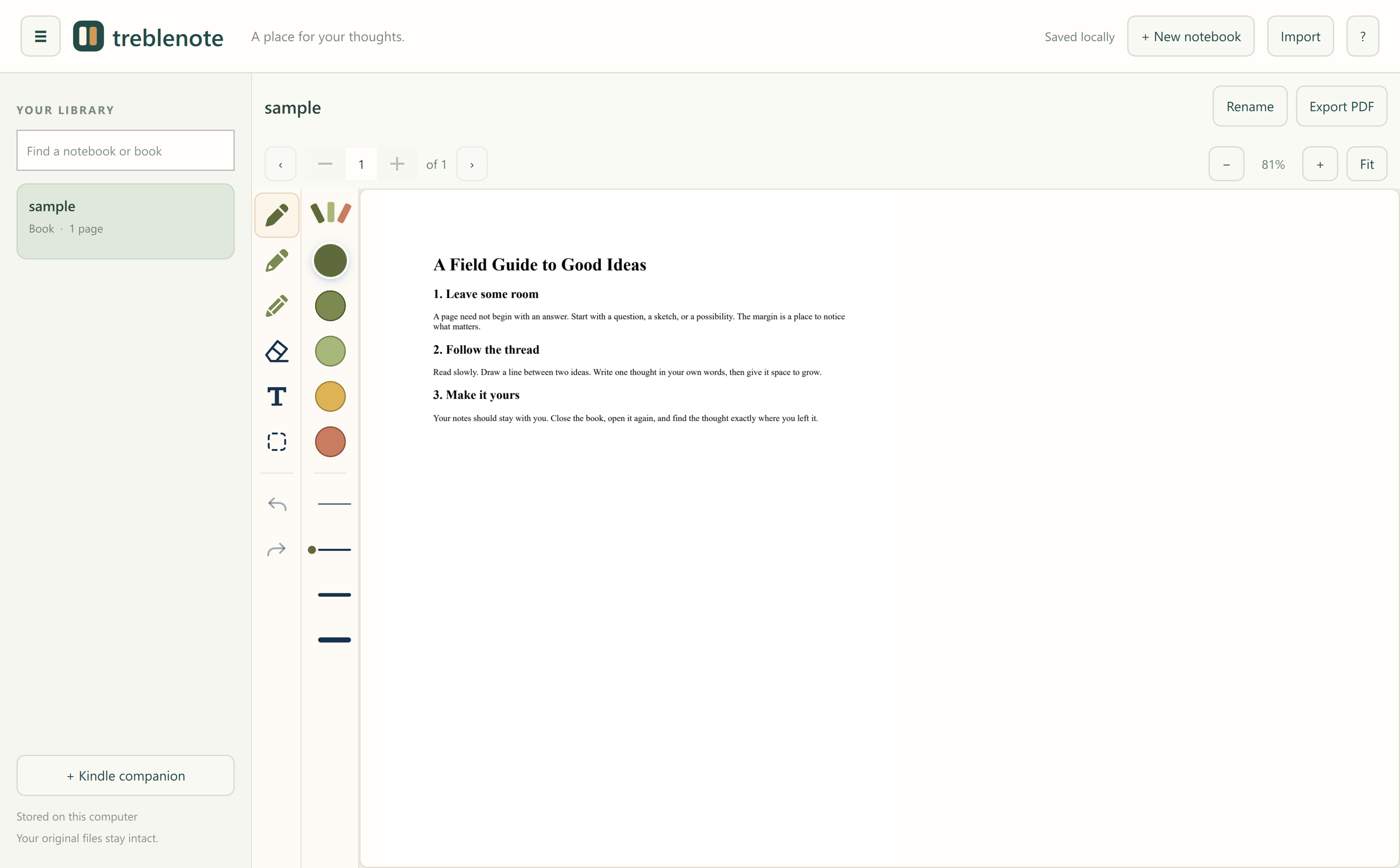
Open a PDF and write where the thought happens. Highlight a passage, add a note, and export the pages with your annotations.
Import an unprotected ebook, or keep a companion notebook alongside Kindle. Save the page or location with each reading note.
For the books that stay with you
Sometimes the best part of a book is the thought it starts. Treblenote gives that thought somewhere to go.
A notebook that feels like yours
Notes and imported documents are saved locally. Export an annotated PDF when you want to share, and back up your notebook folder to keep the editable originals.
Treblenote is a Windows desktop app. Use a keyboard for typed notes, or a compatible Windows pen for handwriting and sketching. The current preview is built for Windows x64.
Yes. Add handwriting, highlights, and typed notes over imported PDF pages. Each page keeps its own annotations.
You can import supported, unprotected ebook files. For protected Kindle purchases and loans, use Kindle’s reader and keep your notes in a Treblenote companion notebook. Treblenote is independent of Amazon.
Local notebooks and imported documents stay on your computer. Writing and local ebook conversion don’t upload your books. Opening Kindle’s web reader requires an internet connection.
Your pages and annotations are combined into a flattened PDF for viewing or sharing. Keep your Treblenote data folder to retain editable text and ink.
Coming to Windows
Leave your email to hear when Treblenote is ready. Have something in mind? Tell us what you’d like to do with it.
Your details go to the Treblenote team for launch updates and replies to your message. You can ask us to remove them at info@treblenote.com.